

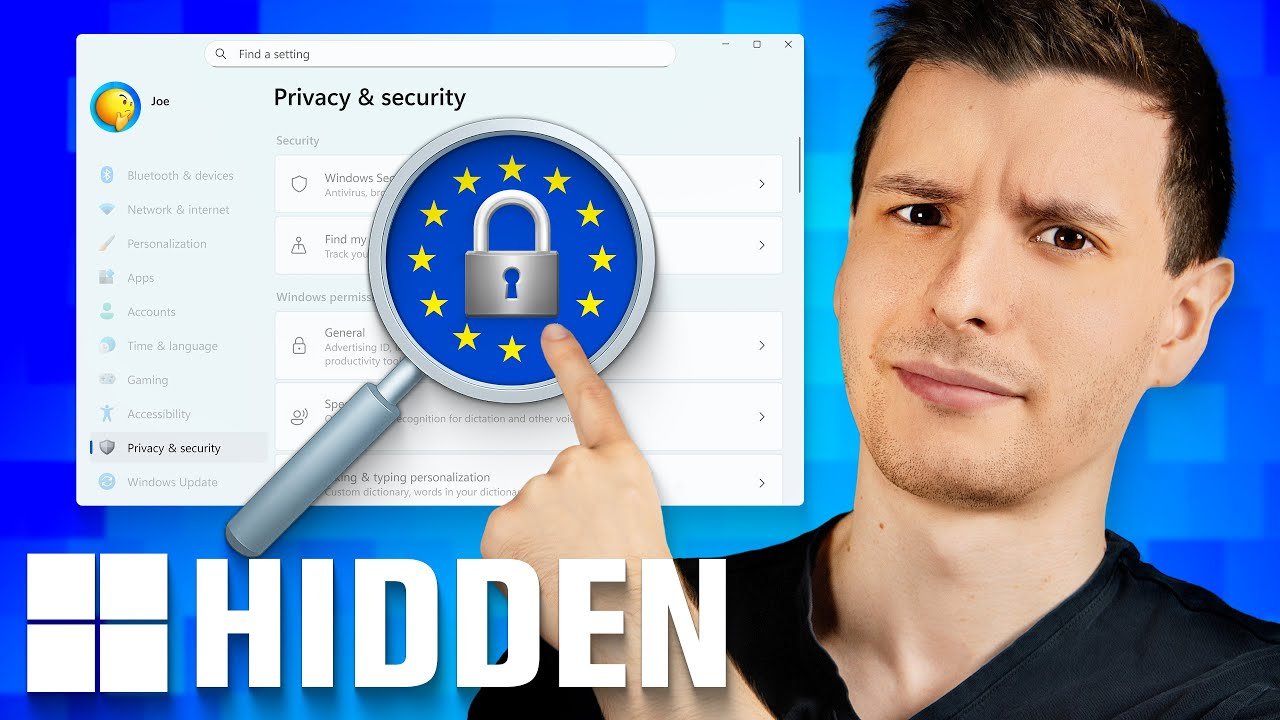
Microsoft Fixed Windows… But Only For Europe (Force It Anyway)
There’s a set of hidden Windows settings for the EU Microsoft does NOT want you to know.
Whether they like it or not, Microsoft has to comply with international laws wherever they sell Windows. The European Union in particular has a lot of consumer-focused privacy laws that forces Microsoft to add certain options in Windows for EU users, but don’t need to for other countries. So of course instead just giving everyone the feature, they only give it to those they are legally obligated to. They keep track of who they need to give the options to based on the initial country you choose upon installing Windows, and keep track of this. Normally you can’t change this, but turns out there is a way.
* Spreadsheet with the policies: https://github.com/ThioJoe/Resources-From-Videos/blob/main/Setting-Windows-Region-to-EU/Windows-Region-Policies.csv
* The registry Path: HKEY_LOCAL_MACHINESOFTWAREMicrosoftWindowsCurrentVersionControl PanelDeviceRegion
(As always, BE VERY CAREFUL if editing the registry. Deleting the wrong thing could seriously mess up your Windows installation)
* List of country IDs if you want to manually re-create the DeviceRegion value: https://learn.microsoft.com/en-us/windows/win32/intl/table-of-geographical-locations
Time Stamps:
0:00 – Intro
0:52 – The Secret Policy File
2:09 – How to Trick Windows
3:59 – Looking At The Policies
4:39 – Exclusive Settings
5:53 – Exclusive Settings
6:55 – Initial Install Policies
7:35 – Any Downsides?
8:21 – Other Differences
Source
