

6 Free Satellite Imagery Tools Every Investigator Should Know
Satellite imagery is one of the most powerful tools available to investigators, journalists, researchers, and those looking at our amazing world, not because it shows everything, but because it allows you to cross-check reality from multiple independent perspectives.
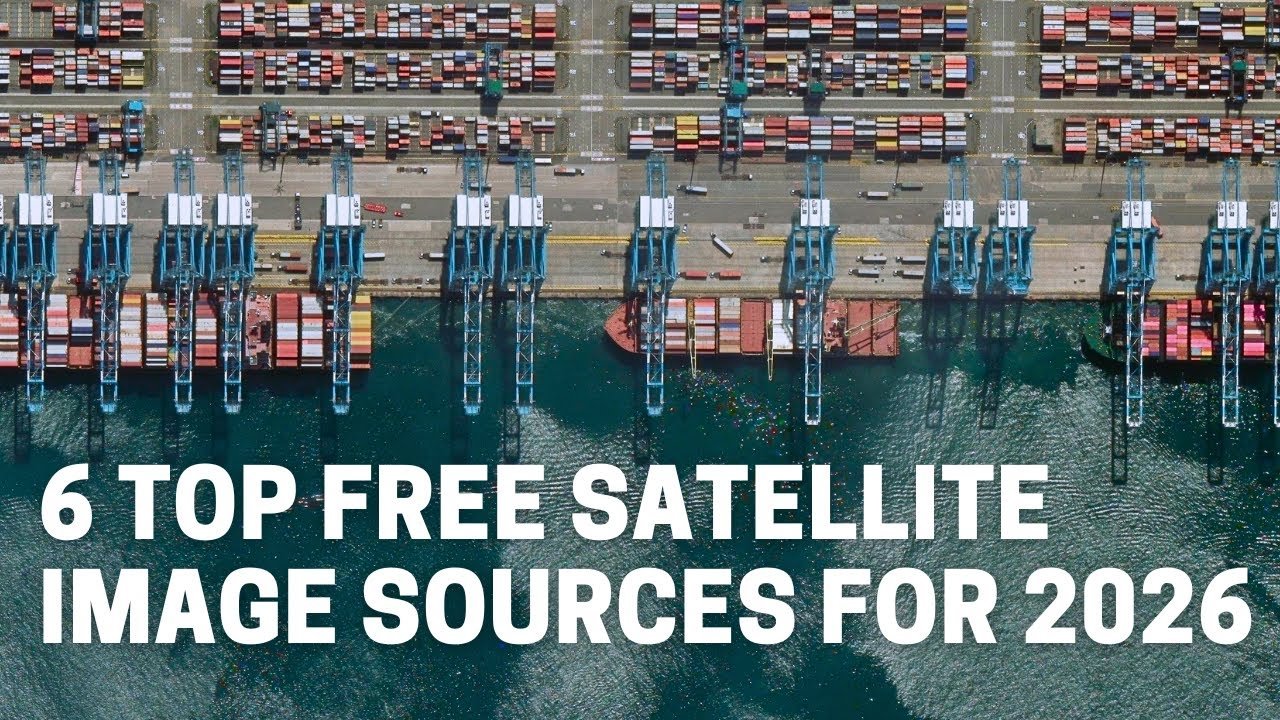
In this video, I walk through six free satellite imagery sources that I regularly use in OSINT and verification work. Using multiple real world cases across different platforms, I show how each source reveals something different: historical change, multispectral indicators, cloud-piercing radar, high-resolution detail, or alternative viewing angles.
The key takeaway is simple: no single satellite source is enough on its own. Real analysis comes from combining tools, historical imagery for context, spectral data for environmental change, and high-resolution basemaps for detail, while always checking capture dates and metadata to avoid false conclusions or confirmation bias.
This tutorial is aimed at anyone working with:
– Open Source Intelligence (OSINT)
– Verification and fact-checking
– Geolocation and GEOINT
– Journalism, research, and documentary work
– Humanitarian, environmental, or conflict analysis
– Or anyone that wants to check out their house, find a surfing spot or view the world’s wonders
*Free satellite imagery tools covered in this video*
00:53: Google Earth Pro https://www.google.com/intl/en_uk/earth/about/versions/
02:29: Copernicus Browser https://browser.dataspace.copernicus.eu/
05:45 Esri World Imagery Wayback https://livingatlas.arcgis.com/wayback
08:13 ArcGIS Map Viewer / World Imagery https://www.arcgis.com/apps/mapviewer
10:54 Apple Maps https://maps.apple.com/
12:02 Bing Maps https://www.bing.com/maps
*Important note on imagery dates*
Many platforms display a basemap publication date, which can differ from the actual imagery capture date. When doing verification or time-sensitive analysis, always click through metadata or layer information to confirm when the image was truly captured.
*Recommended workflow*
In practice, I usually combine:
– Google Earth Pro for historical context
– Copernicus for multispectral or radar analysis
– Esri Wayback or ArcGIS World Imagery for high-resolution comparison
Using multiple sources together helps reduce misinterpretation and confirmation bias.
#OSINT #SatelliteImagery #GEOINT #Geolocation #Verification #OpenSourceIntelligence
Source
