

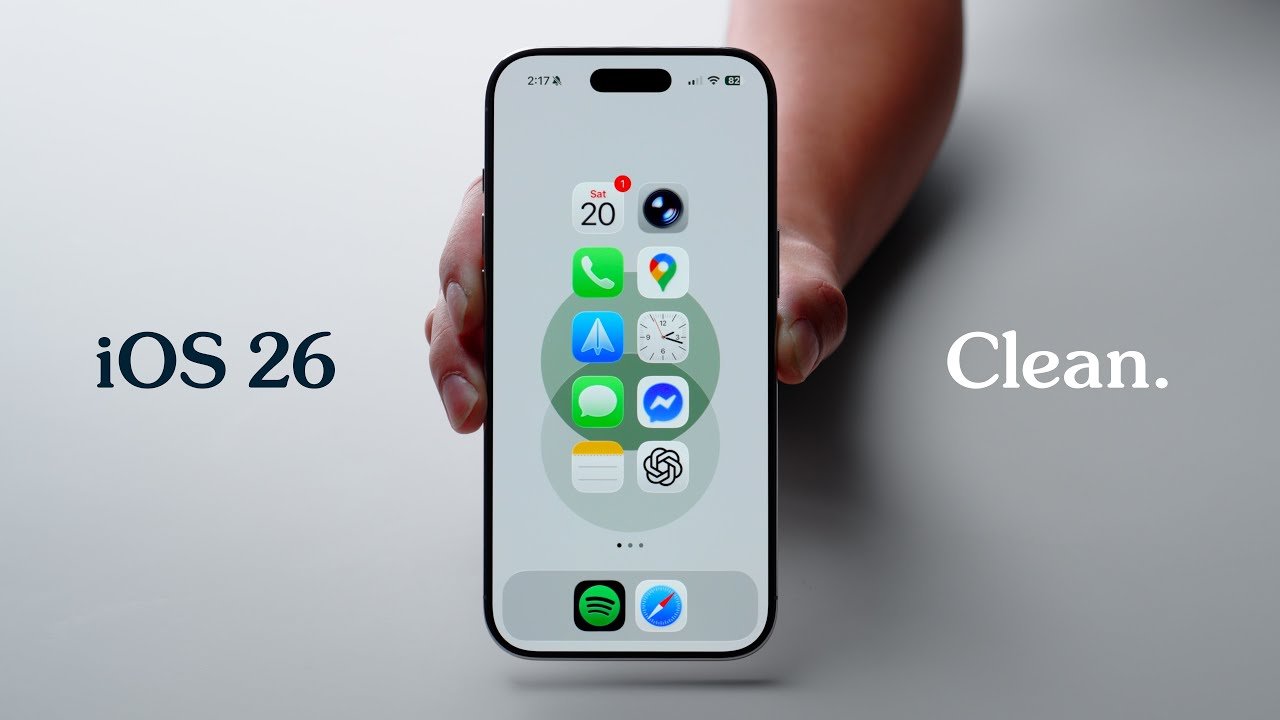
iOS 26: My Home Screen Setup!
Here’s a tour of my iPhone Air, running iOS 26. In this video, we’ll go over customization tips and tricks, best settings, as well as all of the apps, widgets, and how I’ve customized my lock screen and control center.
My Wallpapers: https://payhip.com/JoshuaChang
Anker Prime:
⚡️Buy on Anker: https://shop.anker.com/WACzNV
⚡️Buy on Amazon:
Anker Prime Power Bank (20K, 220W): https://ankerfast.club/xvwkq0
Anker Prime Charging Base (150W, 3 Ports): https://ankerfast.club/wjq5ln
Amazon Brandstore: https://ankerfast.club/ea43wt
Stuff I use:
My Wool Desk Mat: https://bit.ly/3KDKu9c
My Titanium Watch Band: https://www.anrdoezrs.net/click-100511040-14527713?url=https%3A%2F%2Fnomadgoods.com%2Fproducts%2Ftitanium-band-46mm-49mm-natural-hardware-v3
Follow me: https://www.instagram.com/joshuachang/
Chapters:
0:00 – Intro
0:28 – Settings
1:15 – Lock Screen
2:00 – Why Minimal?
2:52 – Essentials
7:27 – Widgets
8:02 – Work/Social
9:32 – Sponsor
10:35 – Everything Else
13:48 – Control Center
14:40 – Outro
—
Description contains affiliate links. This video is sponsored by Anker.
BUSINESS INQUIRIES: joshuachangcreative@gmail.com
#AnkerPrime #AnkerPrimePowerbank
Source
